You can manually create folders using the Folder card on a Homeowners Association, Jurisdiction, or Utility record.
Note: You will not need to manually create a folder on a Site, Deal, Project, or Ticket record as the folder will automatically be created or associated on these records.
Learn more on automatic folder creation here
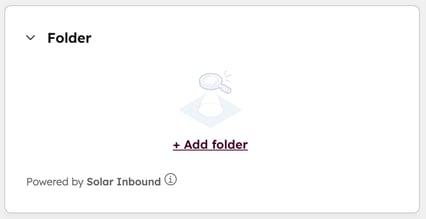
To manually create a folder on a record, you need to click + Add folder on the Folder card at the top right of the record.
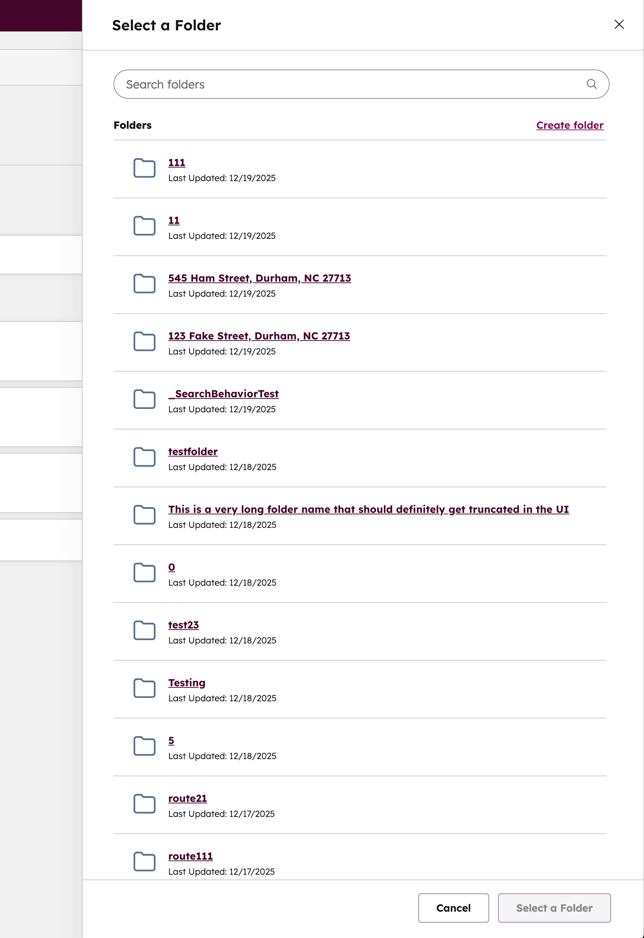
The folder slide out will appear. Click Create folder under the search bar.
The popup will appear to create and name your new folder.
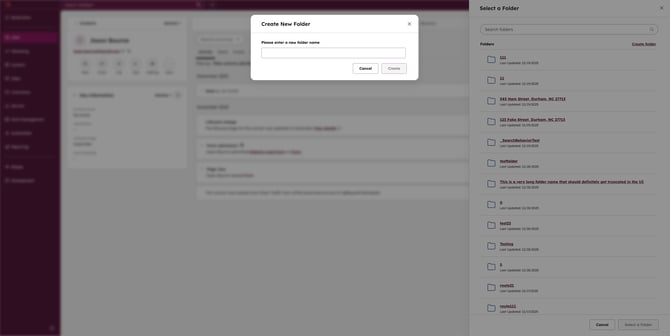
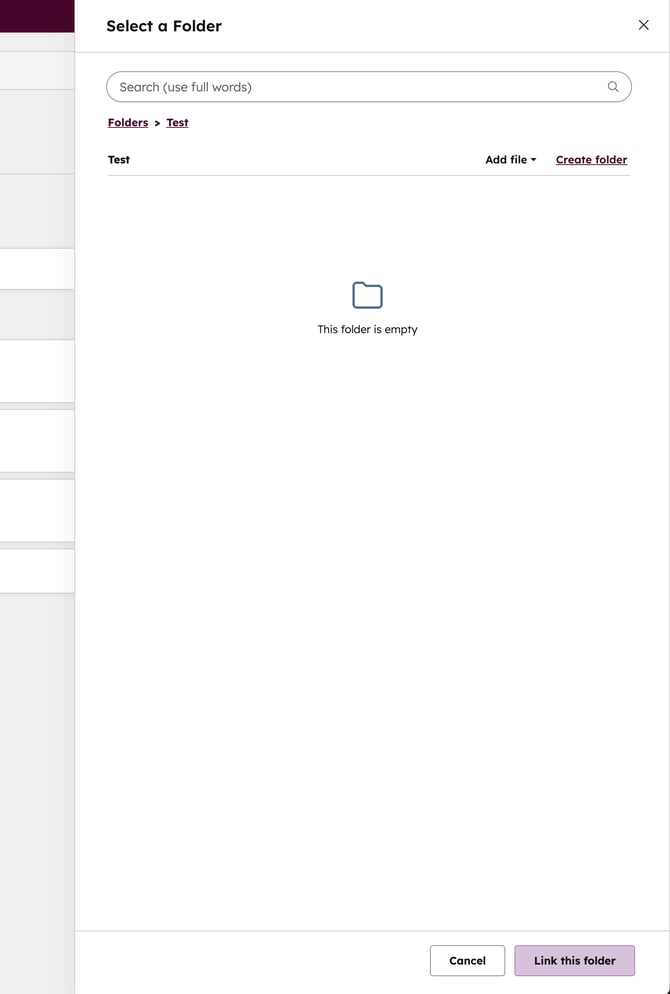
Name your folder and click Create. Your folder will appear empty back on the folder slide out. Click the button at the bottom right of the slider Link this folder.
Once you are in your new folder, you can click Create folder to create a sub-folder.
You can also upload files into your folder by selecting Add file.